marktodocx-skill
Convert Markdown into DOCX using the shared Node runtime family in this repository.
Invocation
- If the user provides a Markdown file path, treat
$0asinputPathand$1as the optionaloutputPath. - If the user provides Markdown content instead of a file path, call the runtime programmatically with
markdownand a suitablebaseDir. - If the user wants style customization, map their request into
stylePreset,marginPreset,styleJson, orstyleSet.
Execution Rules
- Prefer the shared agent wrapper in skill.mjs, specifically
convertWithAgentSkill(). Do not create a second conversion path. - Require exactly one input source: either
inputPathor inlinemarkdown. - Resolve style options through the wrapper so explicit parameters override environment defaults in the same way as the CLI.
- Preserve local image behavior by using the Markdown file directory for
inputPath, or an explicitbaseDirfor inline Markdown. - If the document contains Mermaid and
@marktodocx/runtime-node-mermaidis unavailable, fail clearly instead of silently degrading. - Report the output file path after a successful conversion.
Recommended Workflow
- Read README.md if the user is asking about supported conversion features or style configuration.
- Inspect skill.mjs to confirm the wrapper interface before invoking it.
- Run a Node command that imports
convertWithAgentSkill()from${CLAUDE_SKILL_DIR}/skill.mjsor from the repo-relative path when working from the repository root. - Pass only the parameters required for the current request.
- Return a concise result that includes the written DOCX path and any relevant conversion constraints.
Parameter Mapping
inputPath: local Markdown file path.outputPath: optional DOCX output path.markdown: inline Markdown content.baseDir: image-resolution base directory for inline Markdown.stylePreset:default,minimal, orreport.marginPreset:default,compact, orwide.styleJson: inline JSON string, JSON file path, or plain object serialized by the wrapper.styleSet: dotted-path overrides such asbody.fontSizePt=12;blockquote.italic=false.
Constraints
- Do not invent style fields outside the shared
styleOptionsschema. - Do not silently ignore missing Mermaid support.
- Do not claim conversion succeeded until the DOCX file has been written or bytes have been returned.
Mermaid Support
- The skill published on ClawHub does not support Mermaid diagram conversion.
- If the Markdown contains Mermaid code blocks, the published ClawHub skill should fail clearly instead of silently producing different output.
- If you need Mermaid conversion, build and package the skill from the source repository with Mermaid support enabled, then deploy that exported artifact yourself.
Project Links
- GitHub repository: zhao-kun/markdocx
- GitHub Releases: marktodocx skill artifacts
Preview
Markdown source preview:
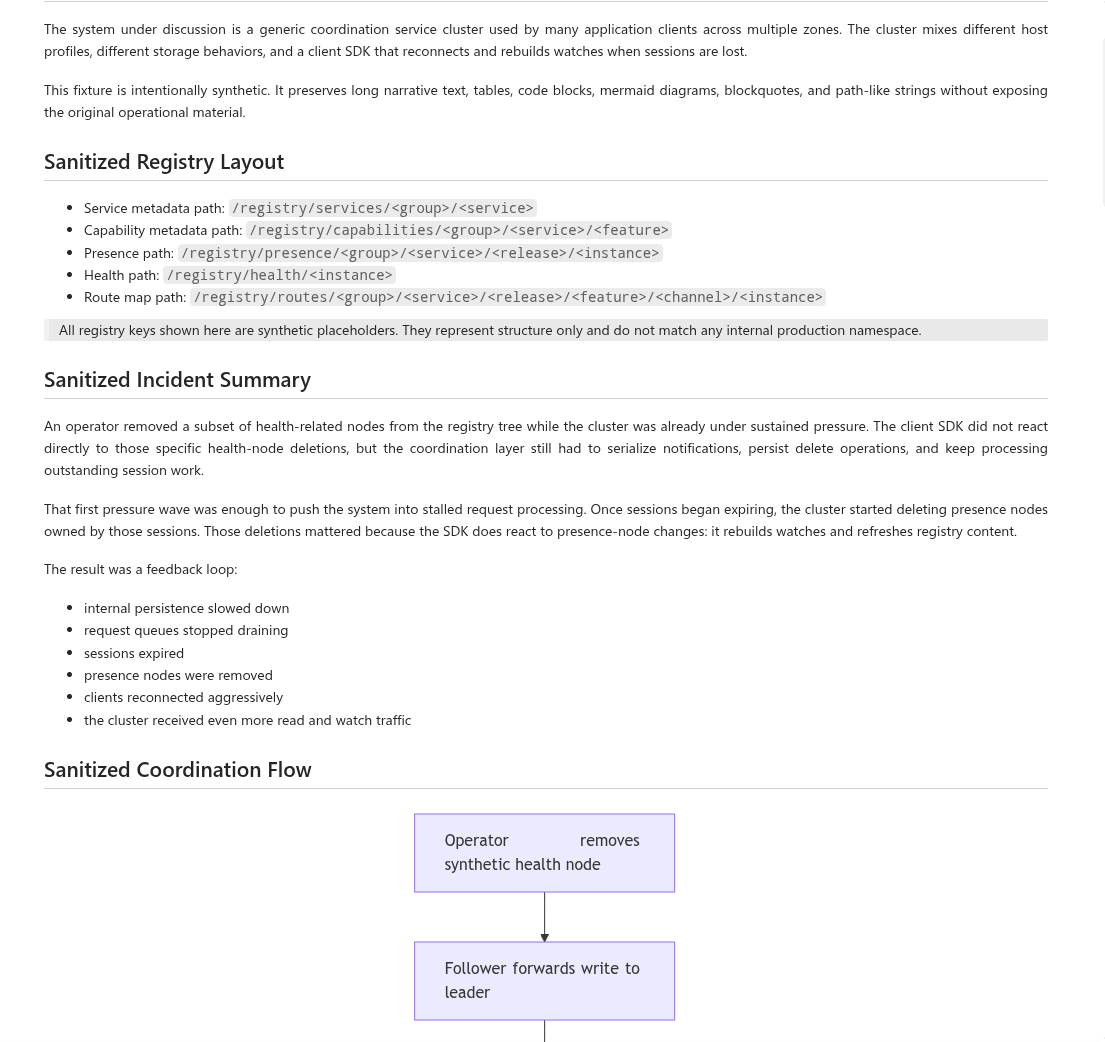
Generated DOCX preview: